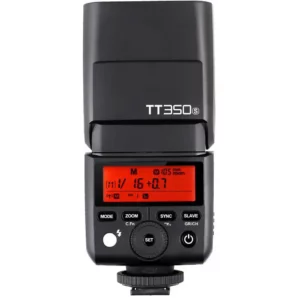
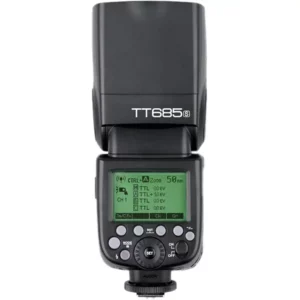
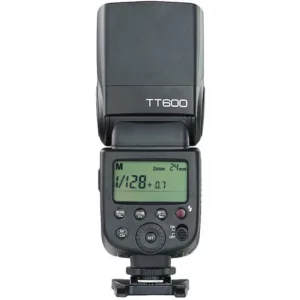
Godox TT685 in Slave Mode
Set the TT685 to Radio Slave Mode
First, we’re going to set the flash, making sure that it’s ready to receive orders.
Set to Radio Slave
If you turn the TT685 on, you will see that it’s in TTL mode and ready to work on-camera. Follow the next steps to set it on Radio Slave mode.
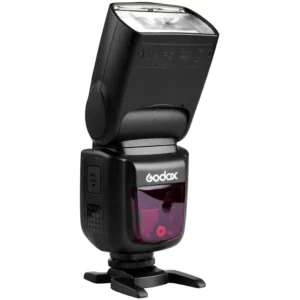
Press and hold the MODE button until you see the antenna icon blinking.
Rotate the wheel until you see the “S” icon.
Press the SET button.
The Flash is now in Radio Slave mode.
Set the Channel
The next step is to set the channel you previously chose for the flash and transmitter to communicate. Follow the next steps to do it:
Press the CH button, the channel number is now highlighted on the screen.
Rotate the wheel to select a channel number.
Press the SET button.
As you can see in the image, I set my flash to listen for orders on channel 9.
Set the ID
ID is an optional function you can use to avoid interference from other Godox flashes, in case they are set to the same channel. If you previously chose to use the ID function, follow the next steps:
Press and hold the Zm/C.Fn button until the menu appears on the screen.
Rotate the wheel until you select the ID function.
Press the SET button.
Rotate the wheel to select an ID or turn the ID function off.
Press the SET button to confirm your selection.
As you can see in the image, I set my flash ID to 18.
Please notice that setting an ID number is optional, but if you decide not to use the ID function, make sure it’s Off.
Assign Flash To a Group
You only need to press the GR button repeatedly, so you jump between groups A, B and C.
I assigned the flash to group B, as you can see in the image.
Set Flash Zoom
You can set the flash zoom manually, or you can set it to adjust remotely by following the next steps:
Press the Zm/C.Fn button
Rotate the wheel to change zoom values. “AU” will adjust the zoom from the transmitter, any other option will set the zoom manually.
Press the SET button.
I set my flash zoom to be adjusted from the transmitter, as you can see in the image.
The flash is now ready to receive orders on channel 9 and ID 18. It will respond to orders directed towards group B. These orders should include the flash mode, power setting, and zoom. Let’s set the transmitter!