How to Sync Godox Flash to Trigger?
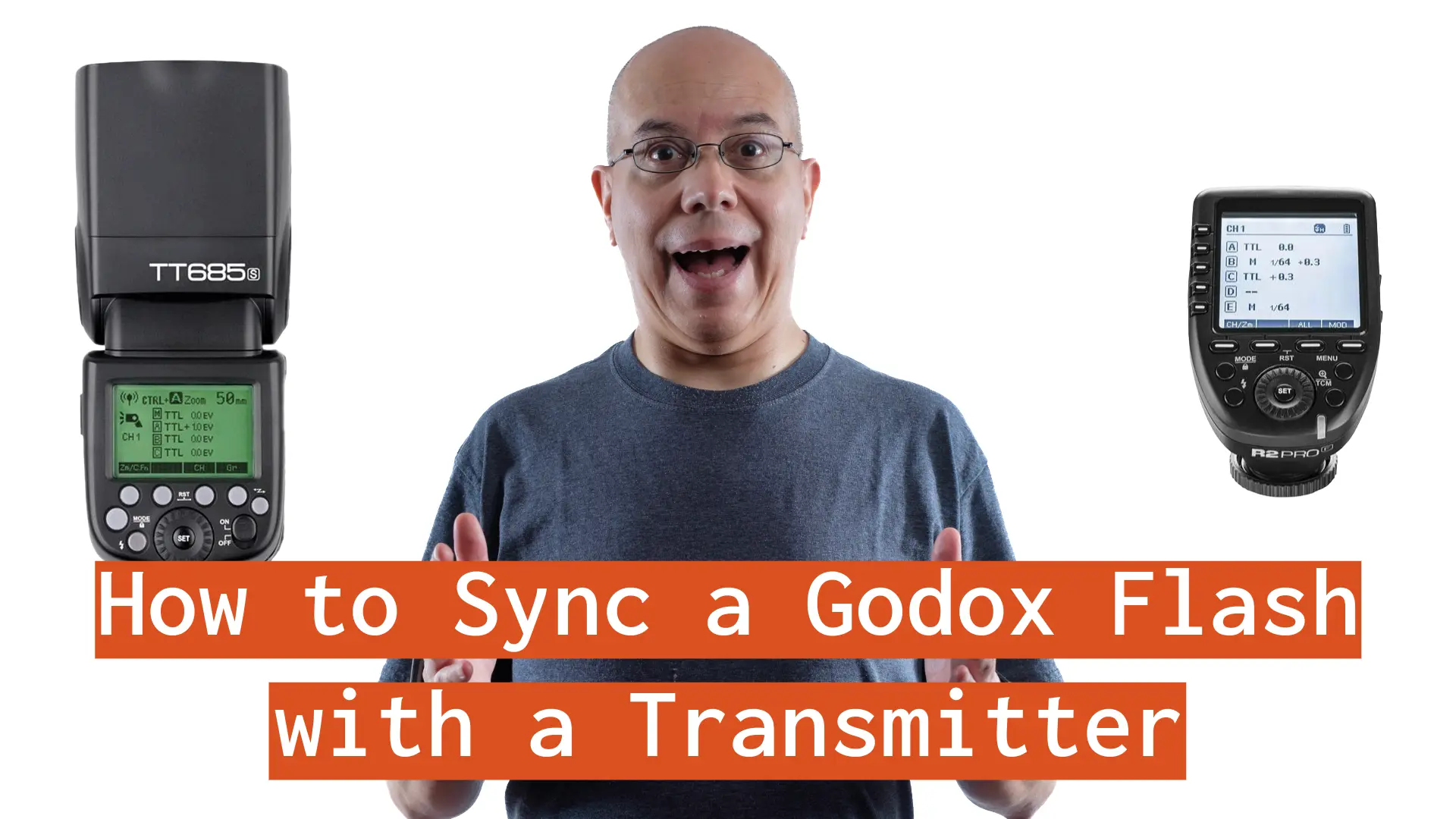
“How do I sync my Godox flash to a trigger?”. This is the most common question, whenever I’m in a conversation about Godox flashes, or on an online photography community. Let’s talk about it.
Trying to answer this question I started to make videos with the flashes and transmitters I use. However, I quickly realized that the number of combinations of flashes and triggers/transmitters is pretty big. What should I do, instead of making a video for every single combination?
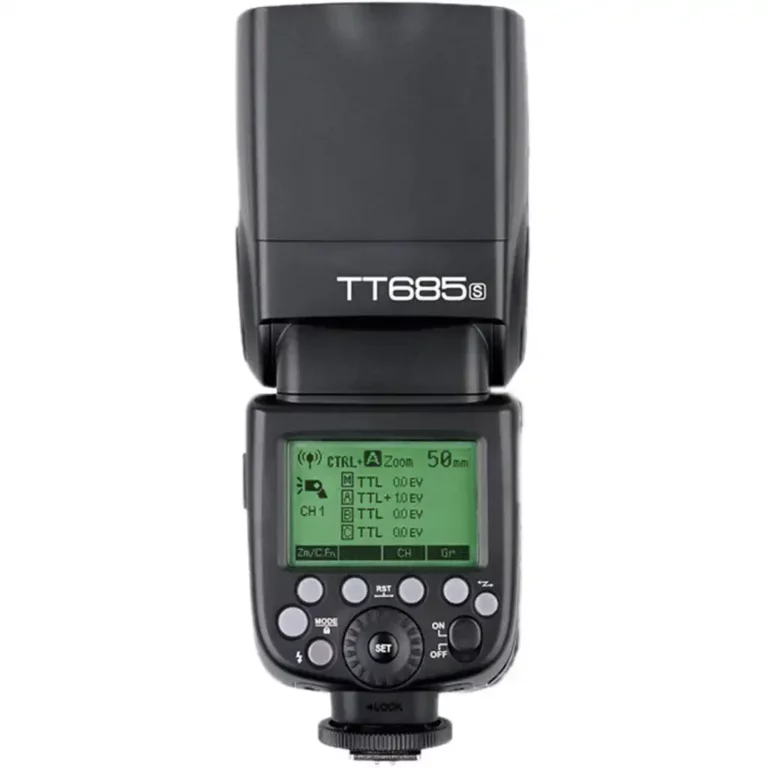
The Godox Flash Sync Guide
At some point I remembered the Choose Your Own Adventure books, so I created something similar on this website. So, the Godox Flash Sync Guide was born.
It starts with you making a few decisions: What channel and ID are you going to use and writing them down. Then, you’ll select the off-camera flash you want to control. The guide will take you on a step-by-step process to set it in Receiver/Slave mode, so it’s ready to receive orders. Then, you’ll choose your transmitter whether it’s a dedicated transmitter or a hotshoe flash in Transmitter/Master. You’ll get a step-by-step process to make sure it sends orders.
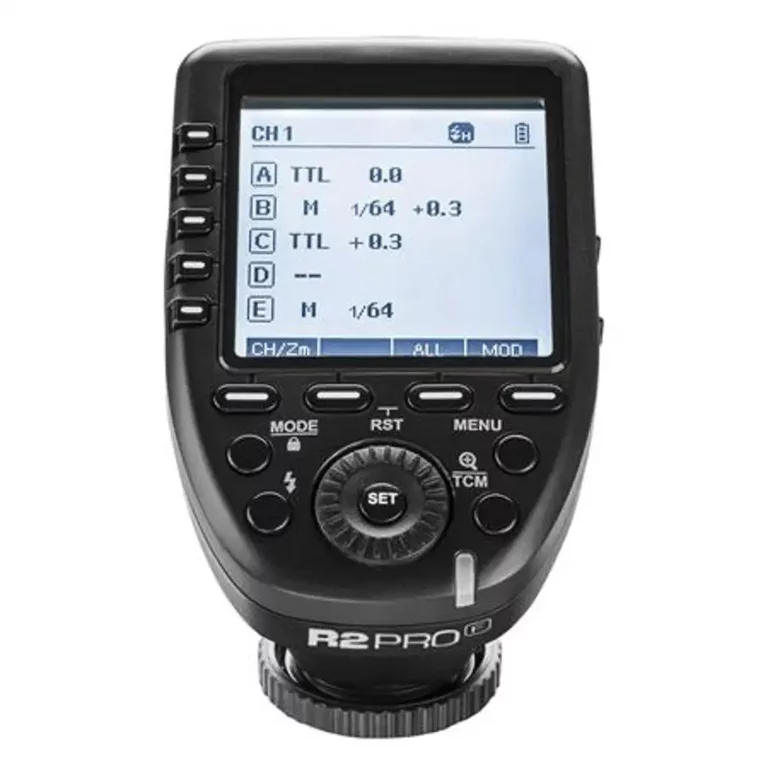
Et Voila! You’ll know how to sync Godox flash to trigger.
The limitations, so far
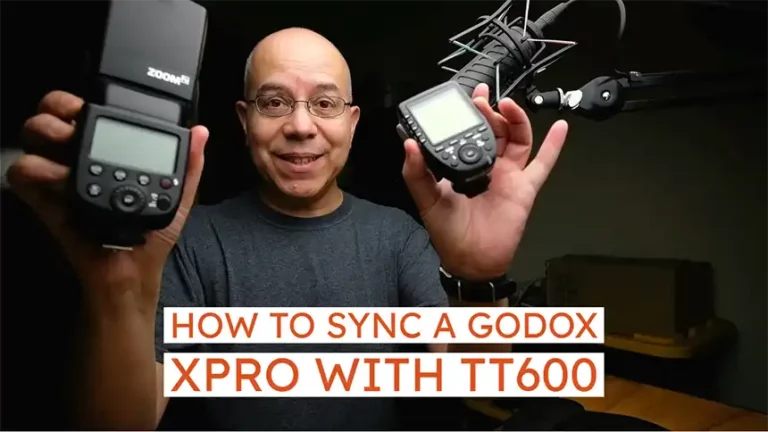
At the time of this writing, I only included the flashes and transmitters I own. Specifically, TT600, TT685 and TT350 hotshoe flashes; as well as X1T, X3 and XPro transmitters.
I’ll add more flashes and transmitters as the visitors increase on the page.
Full Disclosure
The guide will ask you for your email address when you get to the first page. I won’t share your email address with anyone, because I hate spam as much as you do.
You won’t get spam from me either, as I do my best to send no more than 1 email per month.
At the end of the process, I suggest you make a donation. Donations will help me acquire more flashes and transmitters, so I can add them to the guide.
Without further ado, visit the Godox Flash Sync Guide.