Key Points About Godox Flash System
Whenever I’m in a conversation about Godox flashes, the most common question I hear is “How do I sync my Godox flash to a trigger?”. Let’s talk about the key points about Godox flash system you should keep in mind to connect your flash with your transmitter, successfully.
Radio Based
The first point we need to remember about Godox’ off-camera flash system is that it is radio based. Similar to WiFi, Bluetooth or the FM radio that you can listen at home or while driving your car, it uses radio magnetic impulses to send signals to your flashes.
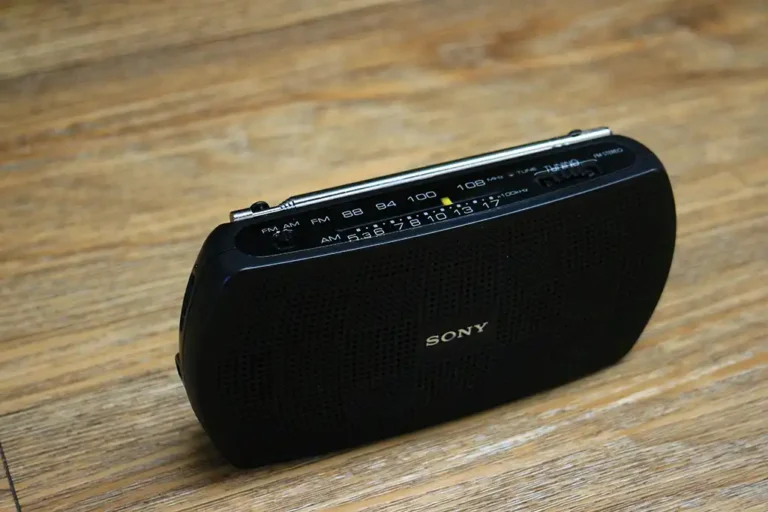
Just like any other radio transmission, it has a limited range, and it can suffer from interference. The usual range for the Godox OCF system is about 100 meters (300 ft) but radio signals lose power when moving through walls or any other obstacle, so it depends on the environment. Interference means that other radio signals could garble the signal, but there are ways to lower the risk of it.
Channels and IDs
The second main point you need to remember about the radio transmission in the Godox’ off-camera flash system is that it uses channels and IDs.
All right but, what is a channel? What is an ID? If you think about the radio transmission as a multi-lane highway, each lane is a channel. The transmitter sends signals inside cars, and the cars always stay in one lane.
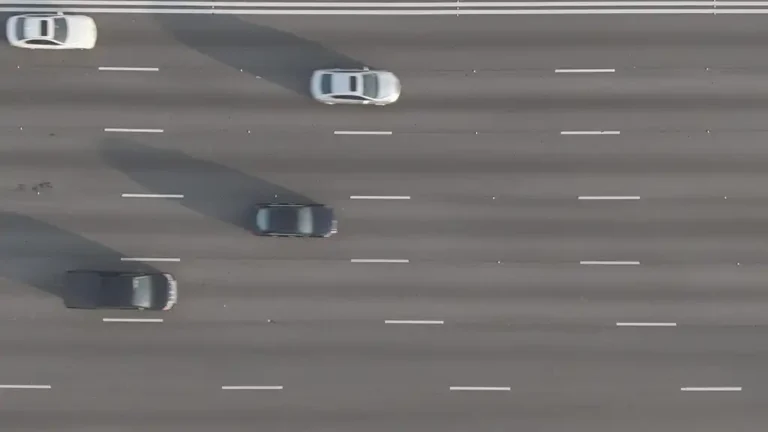
The receiver is like a toll booth, checking only the cars that go through a specific lane. Any car on another lane will be ignored.
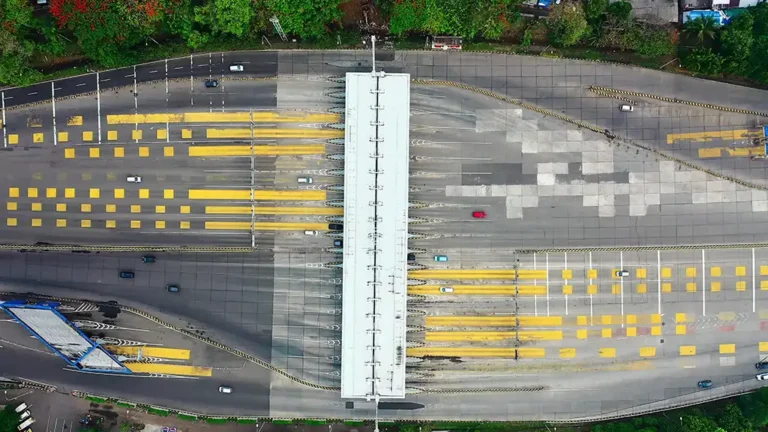
However, many transmitters may send signals using the same channel. How does the receiver (booth) know that the signal comes from the correct transmitter? This is where the ID comes to the rescue.
The ID could be the last two digits of the license plate. You can set the rule so the receiver only pays attention to the cars that go through the specified lane AND match the correct two digits in the license plate. Any car that doesn’t have the right digits in the license plate will be ignored.

With these two numbers (channel and ID), communication works and the risk of interference is reasonably low.
Groups
The third main point about the Godox off-camera flash system is, it works with groups.
Groups are another way to filter the orders sent to a flash. Keeping with the highway theme, a group is like the color of a car. You can set the receiver (the booth) to check only red cars, for example.
This way, any other car color will be ignored. Depending on the transmitter and receiver combination there may be three, five, or sixteen groups at your disposal.
One Way Communication
The next major point you need to remember about the radio transmission in the Godox’ off-camera flash system is that it is one way only. The transmitter sends a signal hoping somebody will listen. The receiver (flash) listens to signals, hoping that somebody will send orders. The flash does not send back any confirmation that it received an order.
Even though we talk about “synchronizing the flash and transmitter”, the only thing we’re doing is making sure the flash listens to orders for a specific group, in a specific channel and ID. At the same time we make sure the transmitter sends signals in the same channel and ID, to the corresponding group(s).
Only One Mode at a Time
Godox hotshoe flashes are usually “transceivers”, which means that they can work as transmitters or receivers. However, keep in mind that they can only work in one way at a time. They either receive radio signals, or transmit them. They can’t do both at the same time.
Control Signals
All right but, what are the signals that we can send to a receiver flash? When the signal is in the right channel, the right ID and the corresponding group, the control signals are the same as when a flash is on-camera: Mode, Power and, optionally, the Zoom value. It may also include signals for the modeling light, but that’s a different story.
Mode may be Manual, TTL or Multi. Multi is an extensive topic to be covered in another post.
Manual sets the flash in manual mode. This means that you can adjust the exact power setting from full (1/1) to the flash minimum (usually 1/128 or 1/256).
TTL sets the flash in a kind of automatic mode. You can adjust the flash power in the form of flash exposure compensation (FEC), going from -3 stops to +3 stops.
The Zoom value is the angle of coverage for the flash. It usually ranges from 24mm to 200mm (equivalent in full frame format). Please notice that this setting only applies if your setup includes hotshoe flashes. You cannot adjust the zoom setting on studio flashes like the SK or QT series, or the AD series.
As you can see, using the Godox off-camera flash system requires some understanding but it’s not rocket science. If you remember the key points about godox flash system basics and plan your setup, you’ll have amazing results.